Step 01
Add your practice materials.
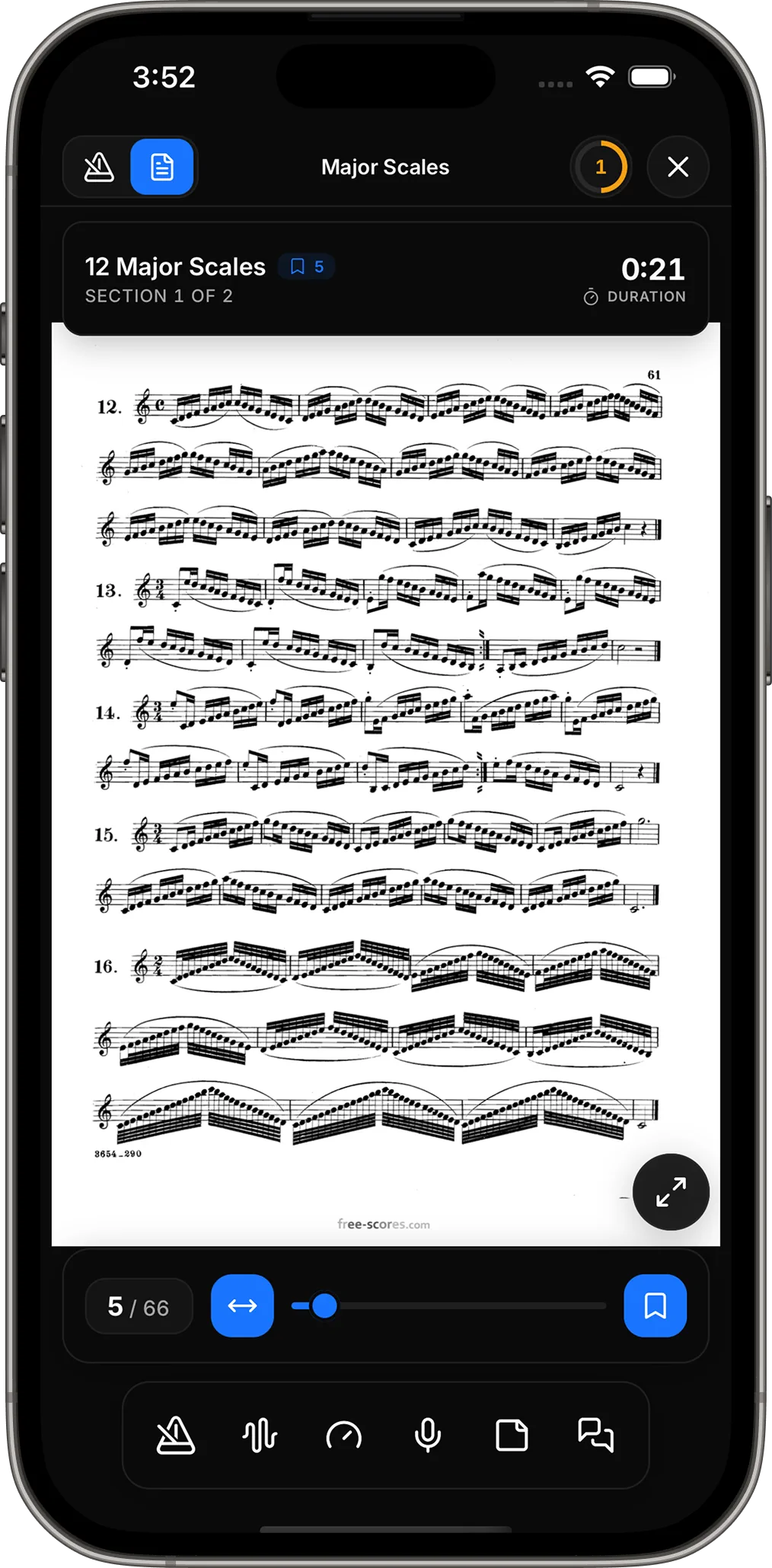
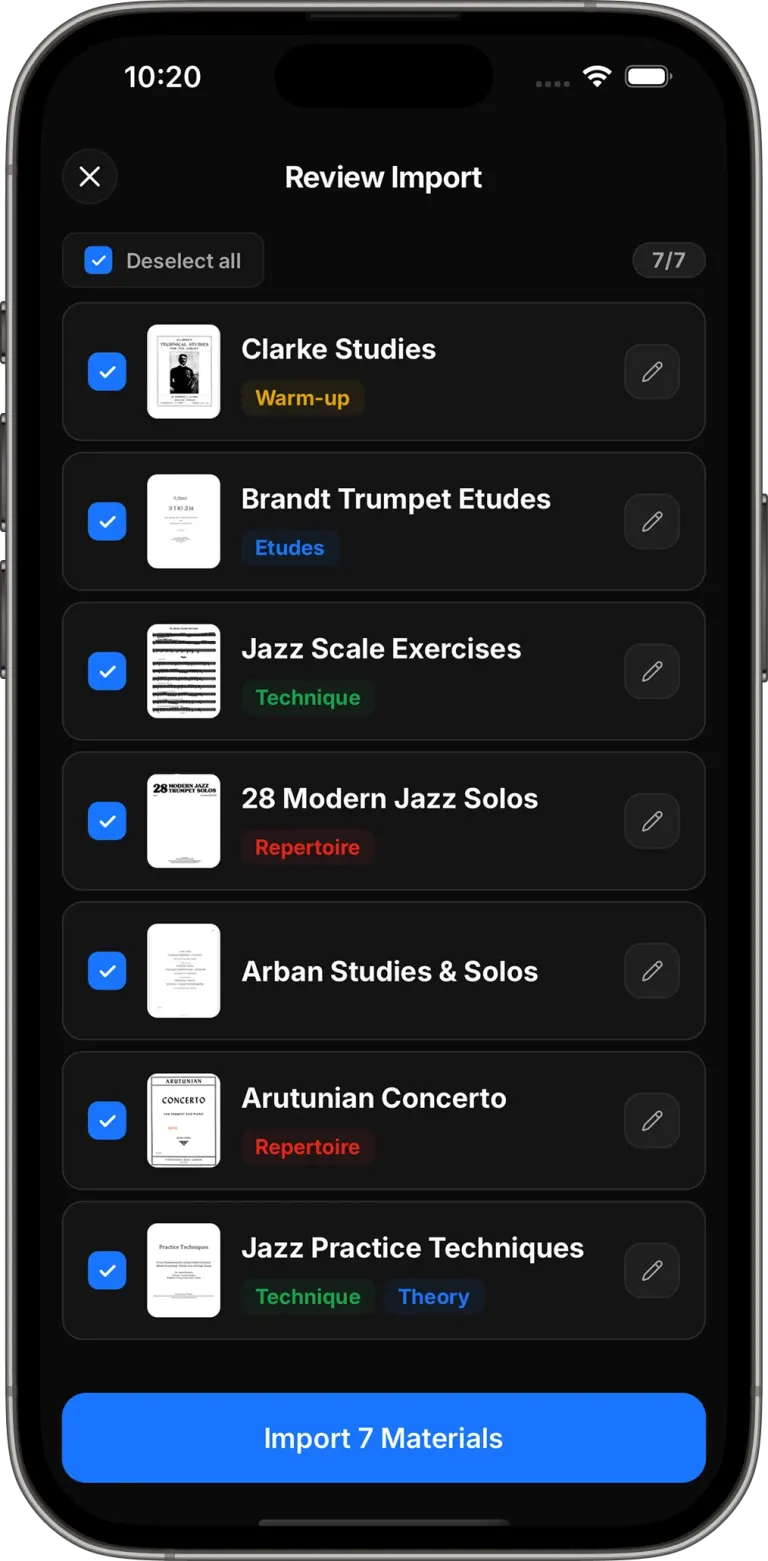
Import a PDF or add pieces, exercises, and etudes manually. Keep everything you are working on organized and ready to practice.
Everything in one place
01
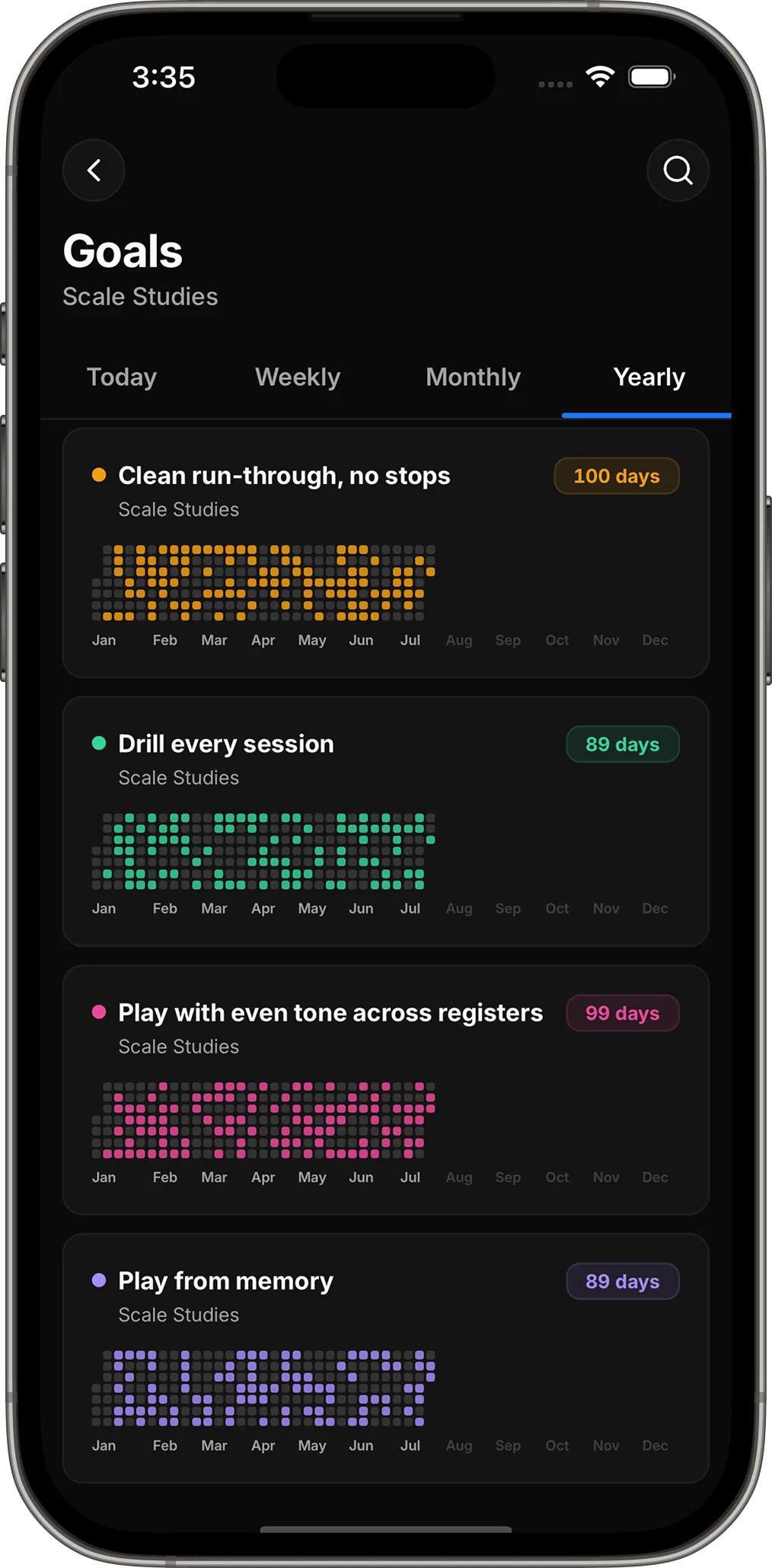
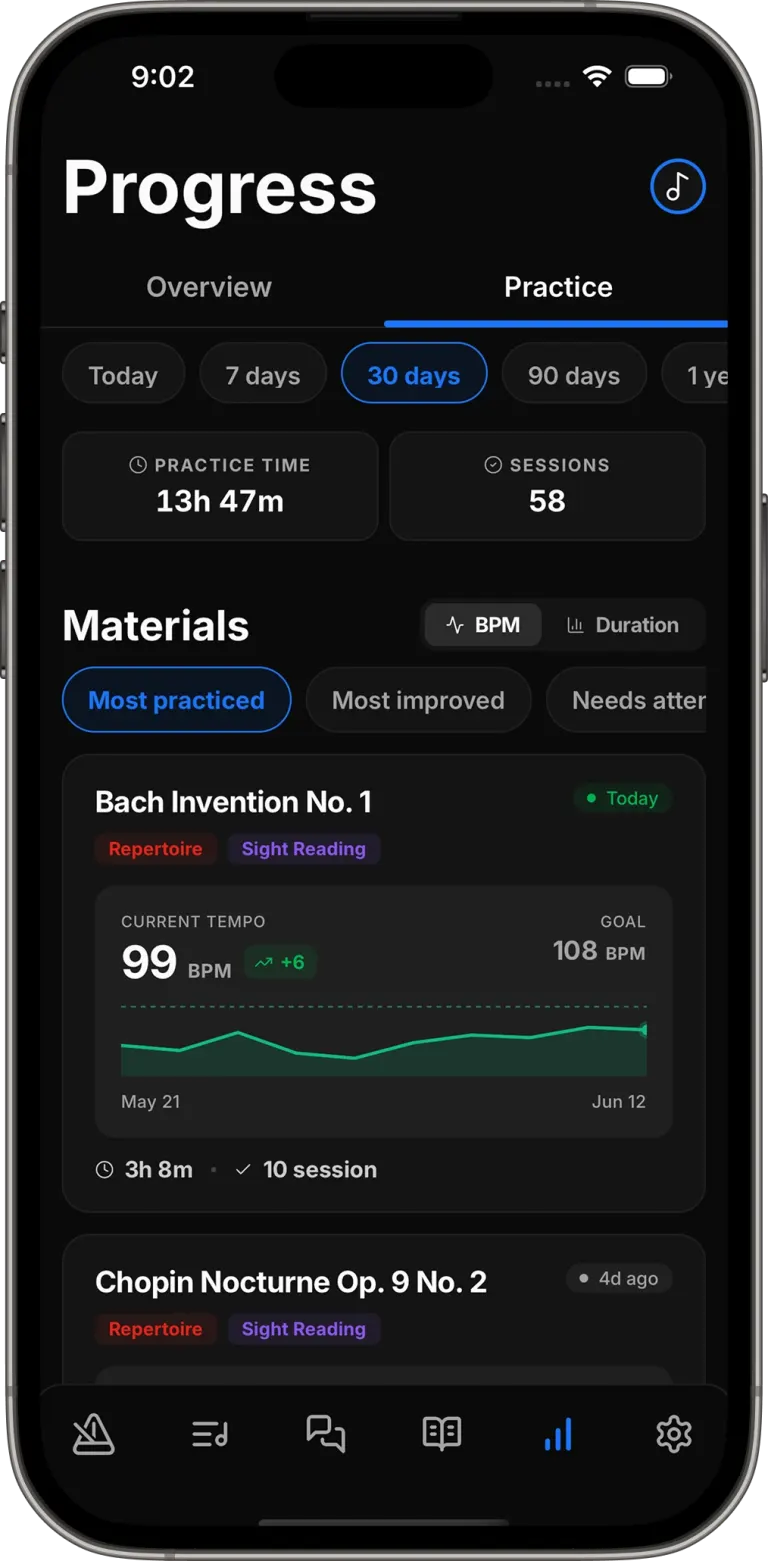
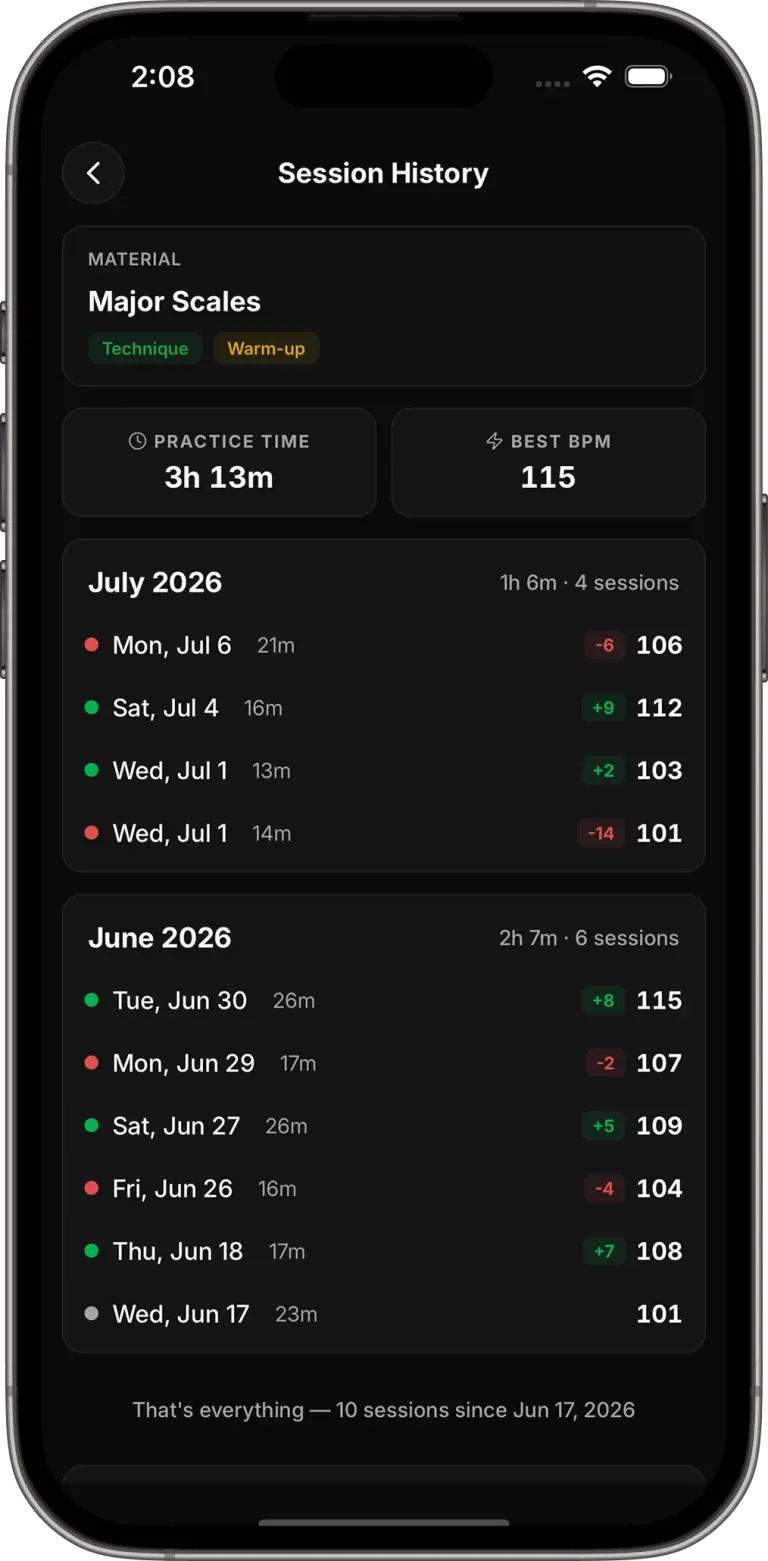
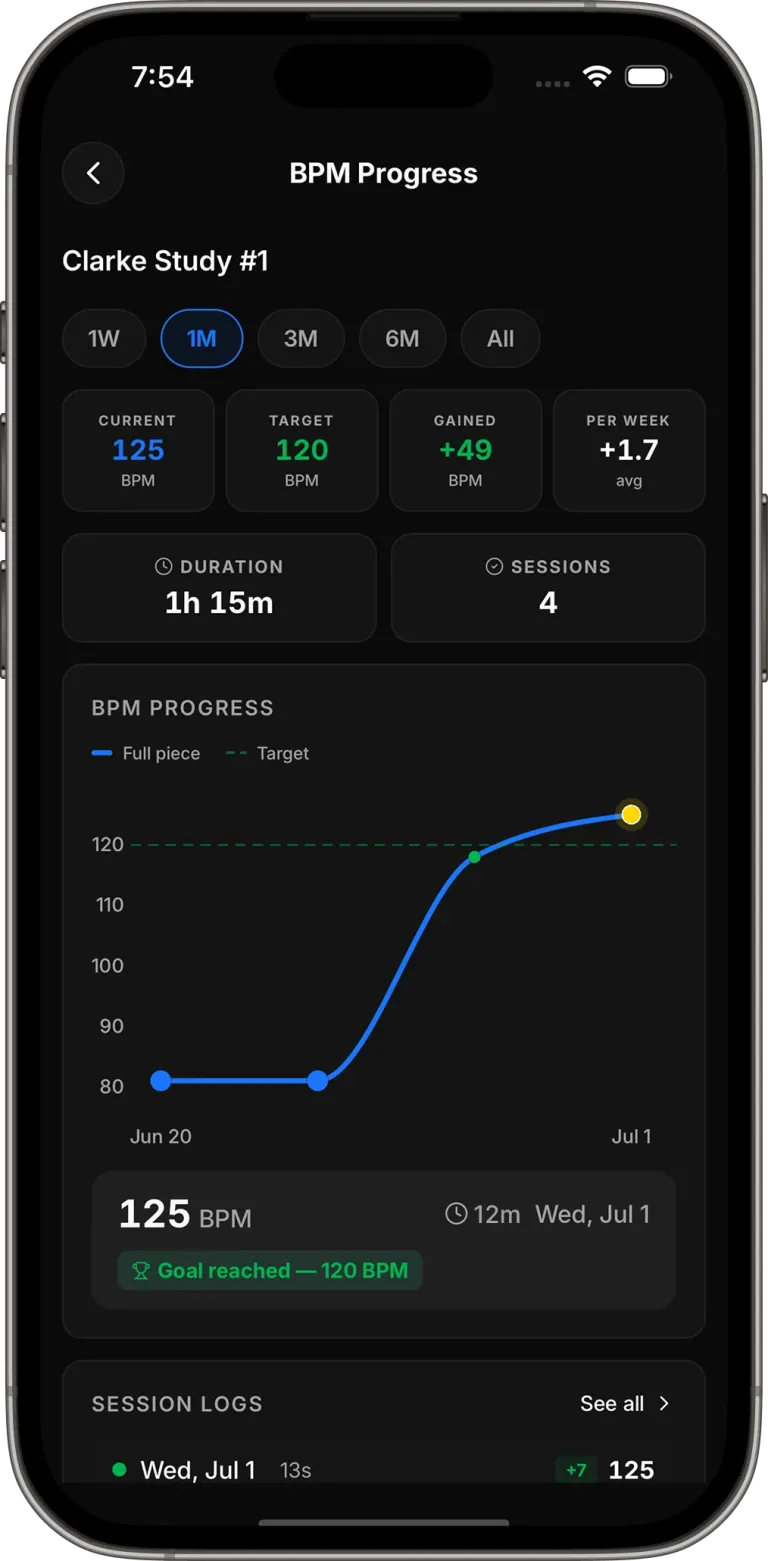
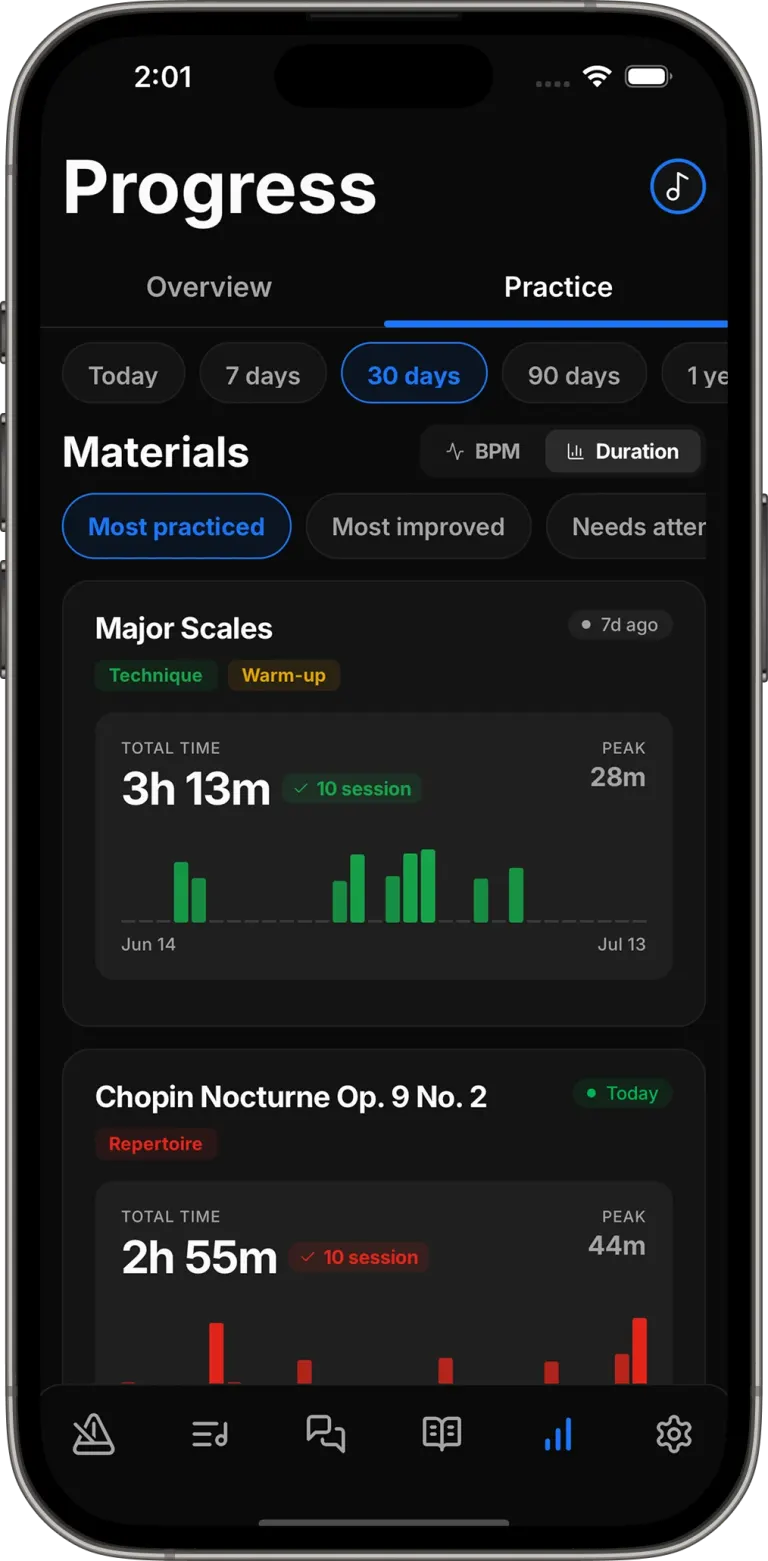
Track practice time, streaks, goals, and tempo so you always know where you are improving.
02
Organize pieces and exercises into repeatable routines that give every part of your session a purpose.
03
Record your session, create notes, and chat with PracticePal AI throughout your practice session.
04
Ask for exercises, warmups, or practical advice tailored to your instrument, experience level, and musical style.
How it works
Step 01
Import a PDF or add pieces, exercises, and etudes manually. Keep everything you are working on organized and ready to practice.
Step 02
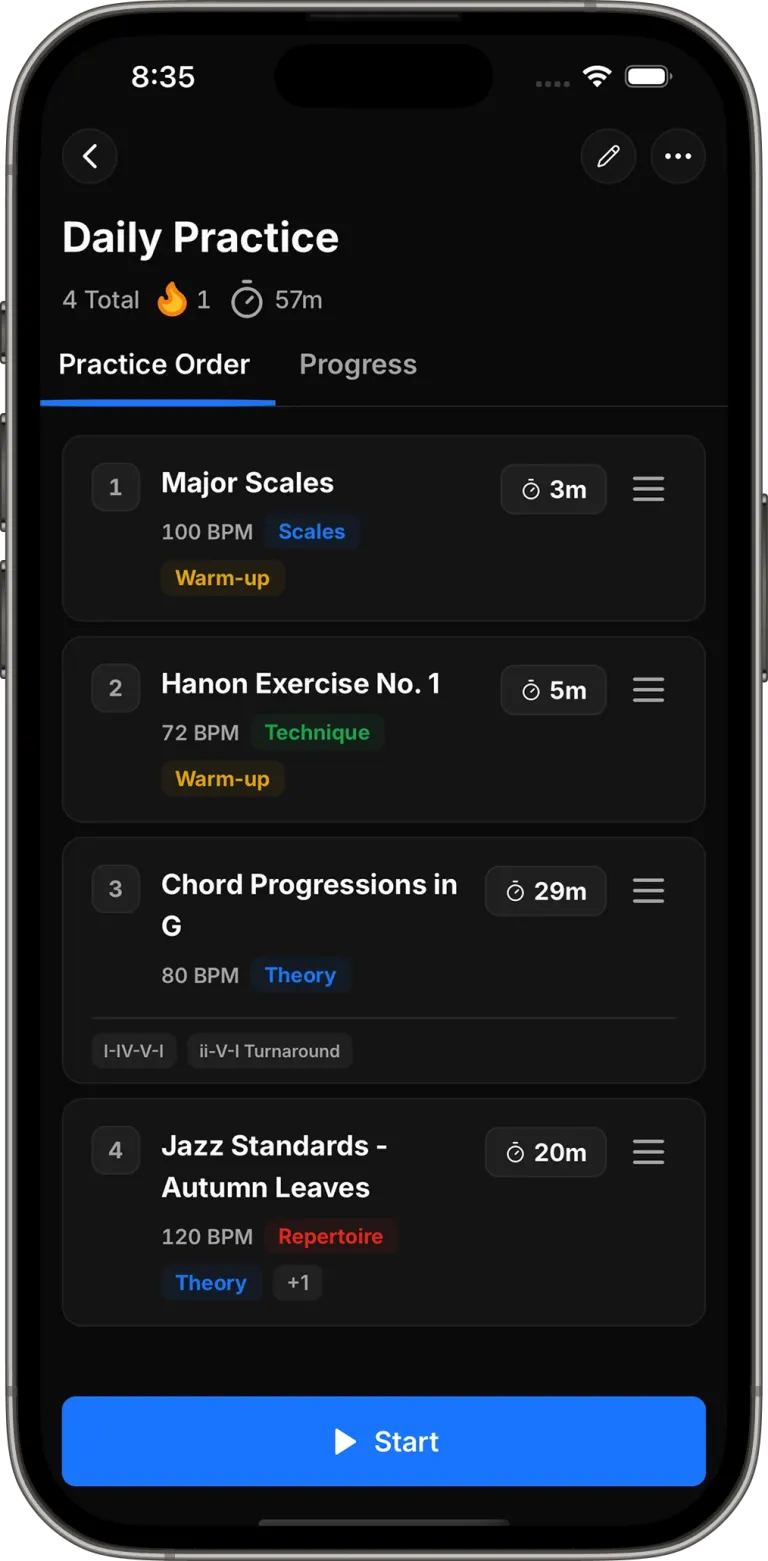
Arrange your materials and decide how long to spend on each one. Save the routine so you can return to it whenever you practice.
Step 03
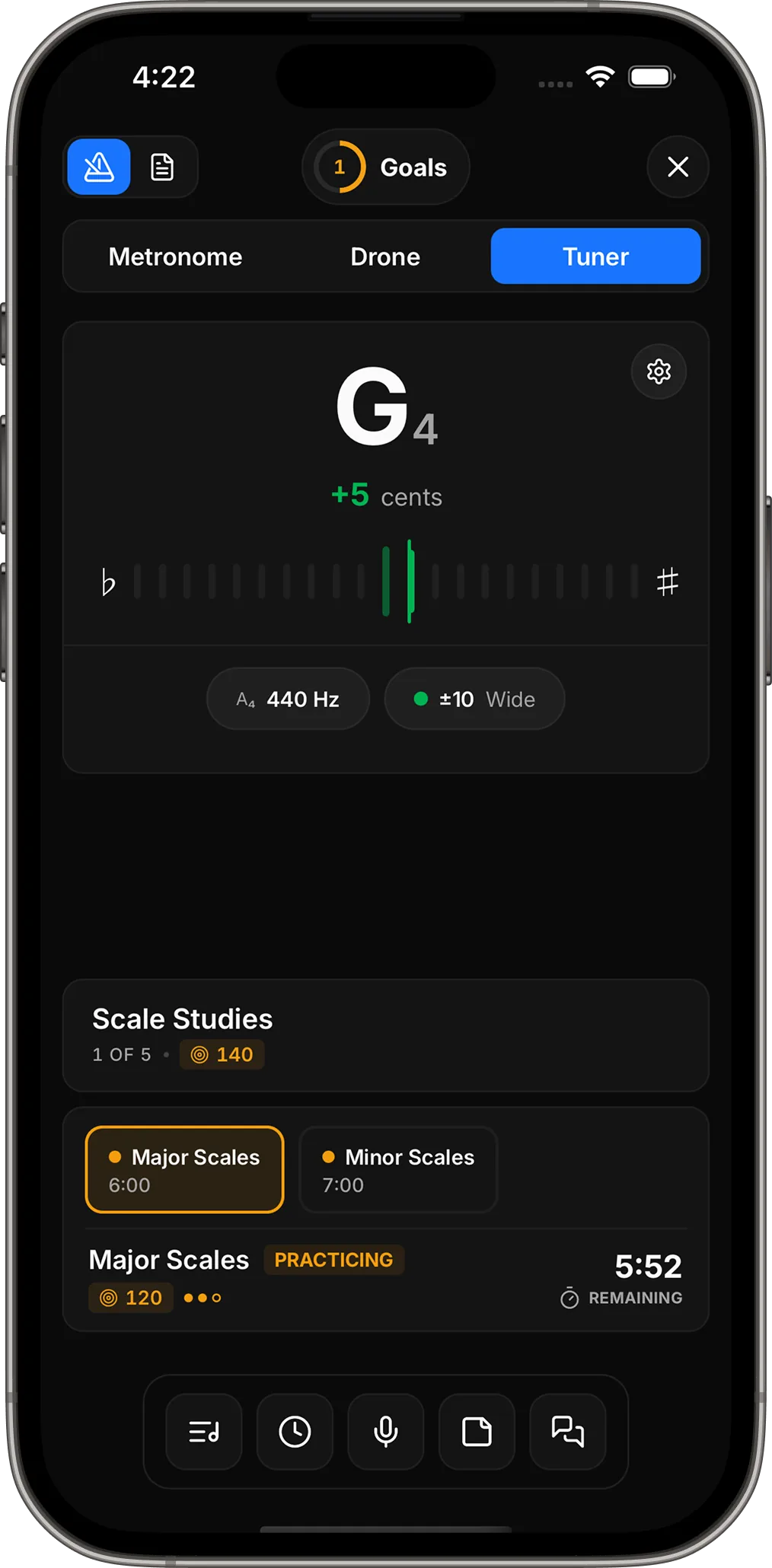
Follow your routine, complete your goals, and let each session build a clearer record of your practice time, tempo, and consistency.
FAQ
PracticePal AI is a practice planning and progress-tracking app for musicians. It brings your routines, materials, metronome, goals, notes, recordings, and practice history together, with AI guidance available when you need help.
PracticePal supports more than 30 instruments across strings, brass, woodwinds, keys, voice, and percussion, with more being added over time.
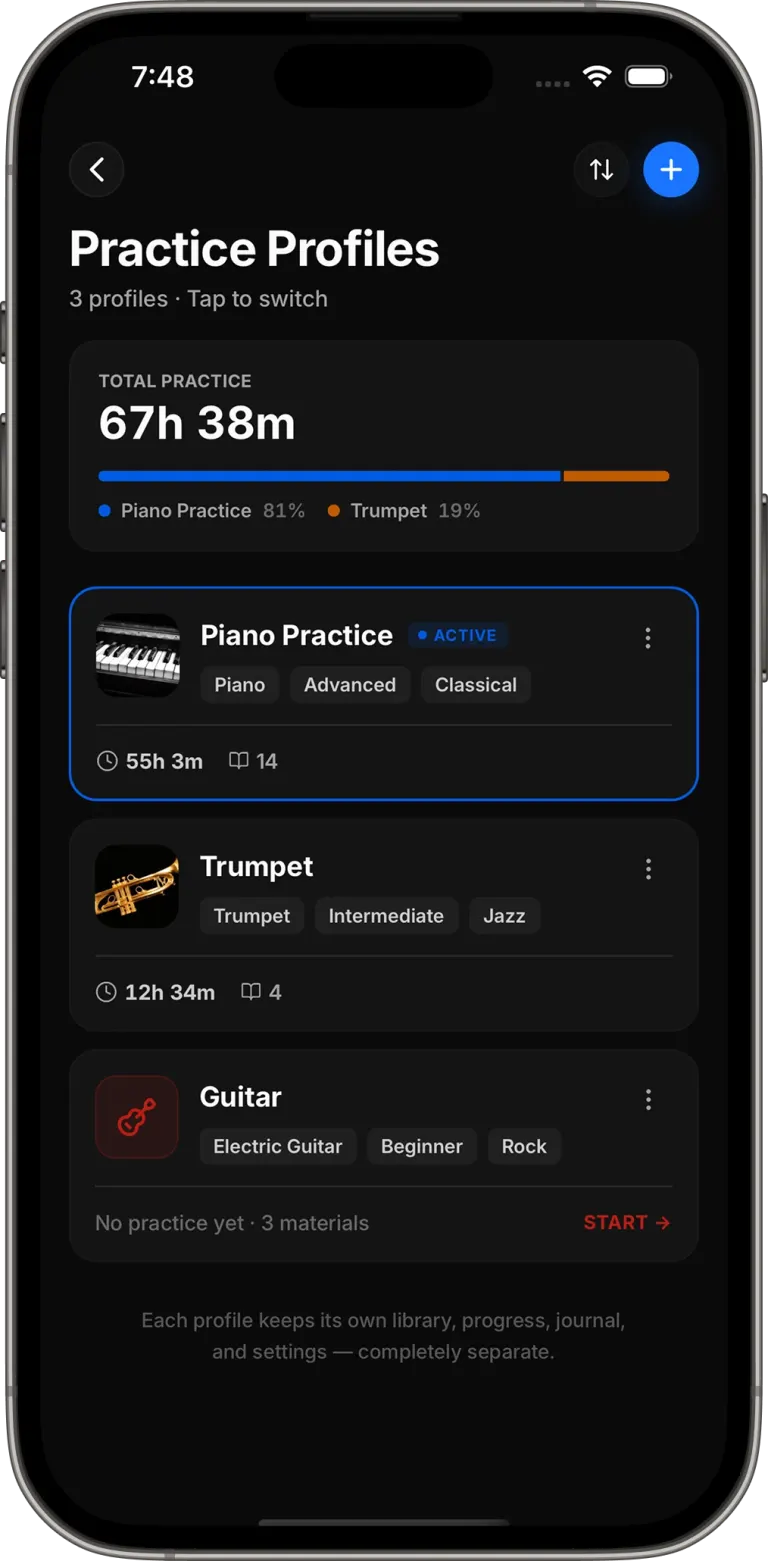
Yes. Create a separate practice profile for each instrument or goal. Every profile keeps its own library, routines, progress, streaks, journal, and settings.
Yes. Attach PDF sheet music to the pieces and exercises in your practice library, so everything you need stays connected.
Ask a question about your instrument, technique, or repertoire. PracticePal uses the instrument, experience level, and musical style in your profile to provide relevant exercises, warmups, and practical suggestions.
Yes. Record your playing, organize takes by piece or instrument, and listen back over time to hear what has changed.
Core tools—including the metronome, recorder, journal, routines, and progress tracking—work offline. AI guidance requires an internet connection and an account.
A metronome keeps time, and a timer counts it. PracticePal connects that time to what you practiced, the goals you completed, the tempos you reached, and the notes and recordings you want to remember.
Make today count
Give your practice a clear direction today—and a progress history you can look back on tomorrow.
Start practicing